 UncoverExplore Uncover ↗
Two ways to remember where you’ve been
Uncover vs. Fog of World
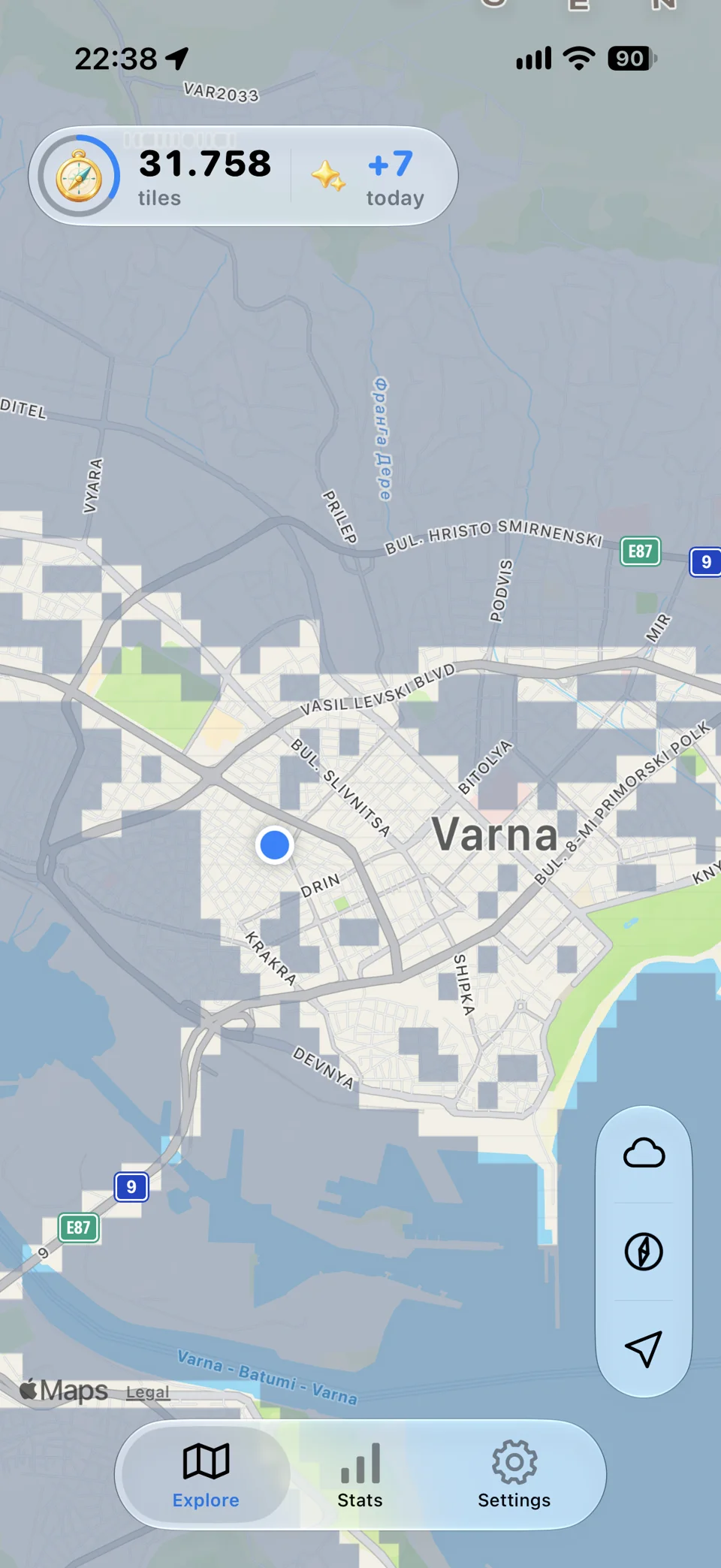
Uncover builds a personal map from the tiles you visit. Fog of World records travel tracks and offers tools for importing and editing them. The choice comes down to what you want to collect: explored places or a detailed track history.
The differences at a glance.
A feature overview based on official product information. Read the sources below for details.
Swipe the table to compare all columns ↔
| What matters to you | Uncover | Fog of World |
|---|---|---|
| What grows | A map of visited tiles, with counts and explored area. | A record of travel tracks on a world map. |
| Recording | Built-in background location recording on iPhone and iPad. | Records routes as you travel. |
| Data portability | Export exploration data as JSON. | Import GPX and KML travel tracks. |
| Managing tracks | The experience centers on discovering map tiles. | Track editing, separate databases, and snapshots. |
| Sync | iCloud sync across your devices. | Personal cloud-storage sync, including iCloud, Dropbox, and OneDrive. |
Places you discover, or paths you record?
Think about what you want to look back on after a trip. Uncover’s tiles give you a growing picture of the ground you have visited. The tile count and explored area make a short detour part of the same personal map as a longer journey. A tile is an area on the map, so it is a different way of representing a visit from drawing the exact path of a route.
When Uncover may fit
Choose Uncover if seeing new places appear on a map is the main reward. You can record discoveries on your phone in the background and revisit your explored area and tile count. You do not need to make a connected fitness-service account part of that routine. Background recording requires location permission and can affect battery life.
When Fog of World may fit
If you already have route files, its documented import support may be an important reason to choose it. Its track editor and database tools may also suit someone who wants to curate a travel archive. Consider those needs before choosing purely on how the map looks.
Can I move my existing routes into Uncover?
Uncover exports exploration data as JSON. GPX and KML route imports are not part of its current workflow. If you want to bring an existing archive of route files, Fog of World’s documented import tools may be a better fit.
Sources & how we compared.
This comparison is written by Uncover’s developer and is not an independent review or a hands-on performance test. Uncover’s core recording and data features are described in its App Store listing. Competitor details come from the official pages below, checked on 25 October 2026. We do not rank battery life, GPS accuracy, or speed.
- Uncover on the App Store ↗
- Fog of World: official features and sync options
Features and prices can change. Check each product’s current offering before choosing. The products are developed independently; this comparison does not imply an endorsement.
Make your next outing a discovery
Start your own map.